Navigate to https://emptiva.com/
Click “Sign In”
Click “Register”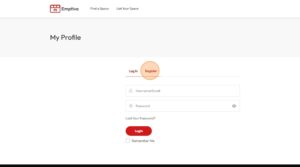
Click “Guest” if you want to book a place or “Owner” if you want to list your place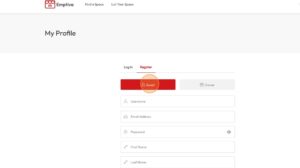
Select a “Username”.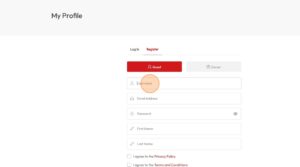
Fill all the fields in the form.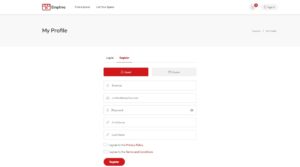
Agree to “Privacy Policy” and “Terms and Conditions”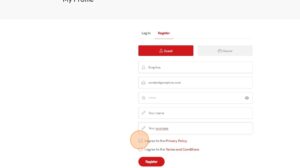
Click “Submit”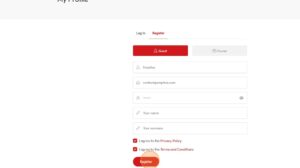
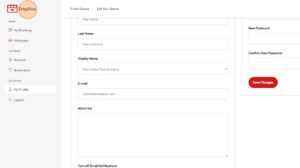
You can edit your details at Dashboard.