
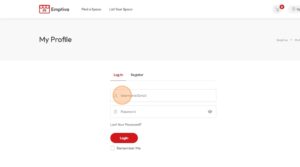
Click “Sign In”

Enter your credentials
Your dashboard appears after logging in, showing all your bookings and messages
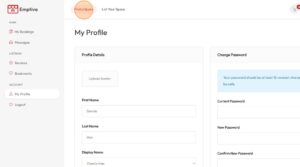
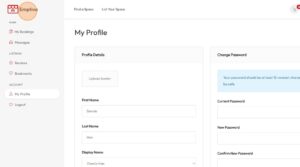
Go to home screen
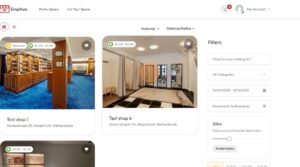
Use the filters to match your preferences

Click “Search”

Select the place that matches your preferences
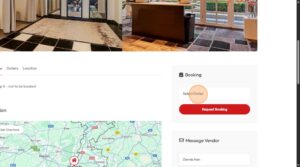
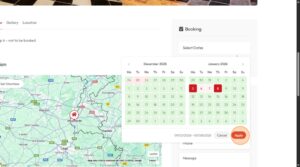
Confirm your dates
Click “Apply”
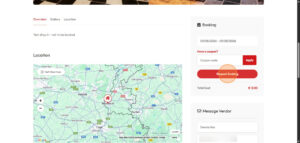
Click “Request Booking”
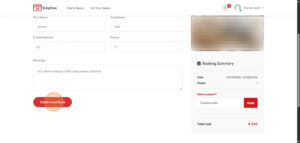
Click “Confirm and Book”
Check your email for confirmation and next steps.
Some additional documents might be required at this stage.
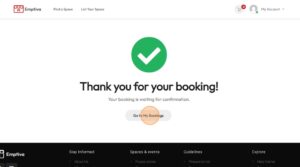
After getting the confirmation email, login and click “Go to My Bookings”
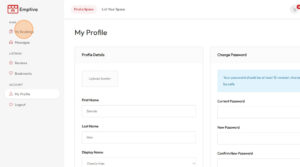
Click “Pay”
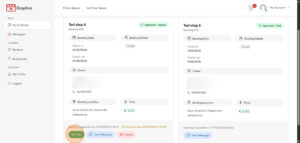
Enter your credit card details and click “Pay for order”
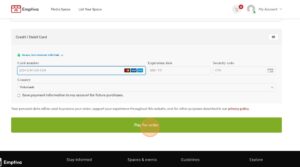
Voila! You completed your booking